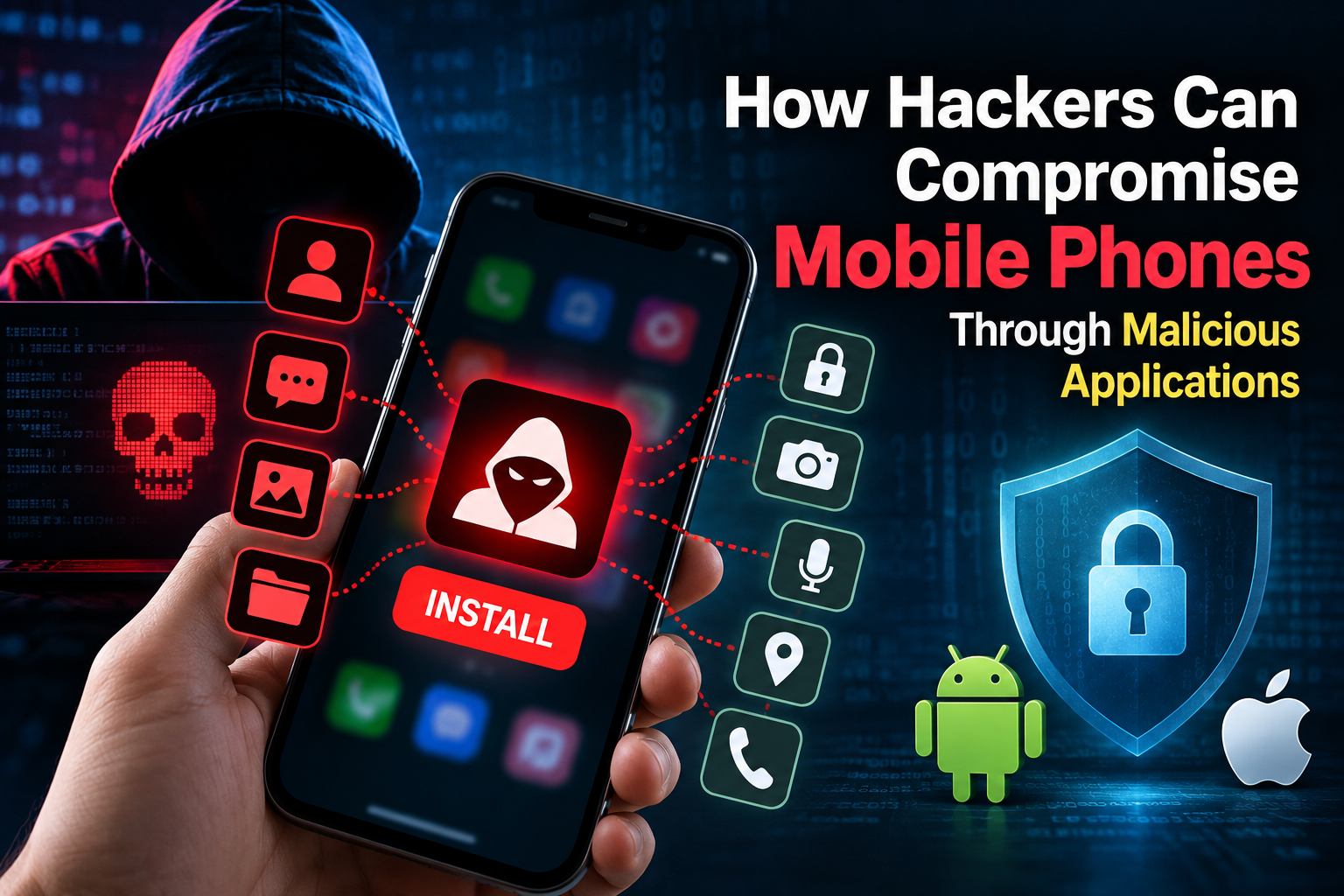
Mobile applications have become an essential part of everyday life. People use apps for banking, communication, shopping, social media, business, and storing personal information.
However, malicious or compromised applications can also become a security risk.
Instead of asking “How to hack a mobile using an application?”, a more useful cybersecurity question is:
“How can attackers compromise mobile devices through malicious applications, and how can users protect themselves?”
Understanding these techniques from a defensive perspective can help individuals and businesses identify suspicious applications and reduce mobile security risks.
What Is Mobile Application Hacking?
Mobile application hacking refers to exploiting weaknesses in an application, mobile operating system, device configuration, or user behavior to gain unauthorized access or perform actions that were not intended by the application owner.
Attackers may attempt to:
-
Steal credentials
-
Access sensitive information
-
Capture authentication data
-
Monitor application activity
-
Abuse device permissions
-
Redirect users to malicious websites
-
Install malicious software
-
Access business information
-
Manipulate application behavior
The exact technique depends on the vulnerability and the attacker's objective.
Can an Application Really Hack a Mobile Phone?
A normal application cannot automatically take complete control of a modern smartphone.
However, a malicious application can become dangerous when users grant excessive permissions, install software from untrusted sources, or use applications containing security vulnerabilities.
Potential risks include:
-
Unauthorized access to sensitive information
-
Abuse of accessibility features
-
Misuse of camera or microphone permissions
-
Access to files and photos
-
Theft of authentication information
-
Malicious notifications or overlays
-
Installation of additional unwanted software
The risk can increase when an application exploits an unpatched operating-system or application vulnerability.
Common Ways Malicious Apps Attack Mobile Users
1. Fake or Modified Applications
Attackers may create applications that imitate legitimate applications.
A fake application may use:
-
Similar names
-
Similar icons
-
Copied branding
-
Fake reviews
-
Suspicious download links
The objective may be to convince users to install the application and grant permissions.
Users should download applications from trusted official stores and verify the developer before installation.
2. Excessive App Permissions
One of the biggest warning signs is an application requesting permissions that do not match its purpose.
For example, a simple calculator application normally has little reason to request access to:
-
Contacts
-
Microphone
-
SMS
-
Accessibility services
-
Location
-
Files
Before installing an application, review the permissions it requests and consider whether they are necessary.
3. Phishing Through Mobile Applications
Attackers may use malicious applications or fake login interfaces to trick users into entering credentials.
A fake login screen may attempt to collect:
-
Usernames
-
Passwords
-
Authentication codes
-
Banking information
-
Recovery information
Users should verify the application and website before entering sensitive credentials.
4. Malware and Spyware
Malicious applications can contain malware designed to perform unauthorized activities.
Depending on the malware, it may attempt to:
-
Collect sensitive information
-
Monitor activity
-
Communicate with attacker-controlled infrastructure
-
Download additional components
-
Abuse device permissions
Installing applications only from trusted sources can reduce exposure.
5. Exploiting Application Vulnerabilities
Applications can contain programming vulnerabilities.
Security researchers and attackers may investigate issues involving:
-
Insecure data storage
-
Weak authentication
-
Improper authorization
-
Insecure communication
-
Exported application components
-
WebView vulnerabilities
-
API security weaknesses
-
Poor cryptographic implementation
Developers should regularly test applications and patch vulnerabilities.
How to Protect Your Mobile From Malicious Applications
1. Install Apps From Trusted Sources
Avoid downloading applications from unknown websites, unofficial APK repositories, or suspicious links.
Before installing an application, verify:
-
Developer name
-
Application reviews
-
Download source
-
Requested permissions
-
Update history
2. Keep Your Phone Updated
Operating-system updates frequently include security fixes.
Keep your:
-
Mobile operating system
-
Applications
-
Browser
-
Security tools
updated whenever possible.
3. Review Application Permissions
Regularly check which applications have access to sensitive device features.
Pay particular attention to:
-
Camera
-
Microphone
-
Location
-
Contacts
-
Files
-
SMS
-
Accessibility
-
Notifications
Remove unnecessary permissions where supported.
4. Use Strong Authentication
Protect important accounts with strong authentication.
Whenever available, use:
-
Strong unique passwords
-
Multi-factor authentication
-
Passkeys
-
Biometric authentication
Avoid reusing the same password across multiple services.
5. Avoid Suspicious APK Files
An APK downloaded from an unknown source can potentially contain malicious code.
Be particularly cautious when someone asks you to install an APK through:
-
WhatsApp
-
Telegram
-
SMS
-
Email
-
Social media
-
Unknown websites
Never install an application simply because someone claims it is necessary for receiving a payment, job, reward, refund, or account verification.
How Businesses Can Protect Employees' Mobile Devices
Mobile security becomes even more important when employees use smartphones to access business systems.
Organizations should consider:
-
Mobile Device Management (MDM)
-
Application allowlists
-
Strong authentication
-
Device encryption
-
Security policies
-
Regular software updates
-
Access controls
-
Employee security awareness training
-
Remote device management
-
Incident-response procedures
Business applications should also use proper authentication and authorization rather than trusting the mobile application alone.
How Developers Can Secure Mobile Applications
Developers should treat mobile application security as part of the development lifecycle.
Secure Authentication
Use secure authentication mechanisms and avoid storing credentials insecurely.
Secure Data Storage
Sensitive information should not be stored in plain text.
API Security
Backend APIs should independently verify authentication and authorization.
Secure Communication
Sensitive data should be transmitted using appropriately secured communication channels.
Input Validation
Applications should validate and sanitize untrusted input.
Least Privilege
Applications should request only the permissions they actually require.
Security Testing
Developers should perform security testing before and after deployment.
What to Do If You Suspect a Malicious App
If you believe a suspicious application has compromised your device:
-
Disconnect the device from unnecessary networks.
-
Uninstall the suspicious application if it can be safely removed.
-
Review recently installed applications.
-
Check application permissions.
-
Change important passwords from a trusted device.
-
Enable multi-factor authentication.
-
Check important accounts for unusual activity.
-
Update the device and applications.
-
Use reputable mobile security tools where appropriate.
-
For business devices, contact your organization's IT or security team.
If financial accounts may have been exposed, contact the relevant financial institution through its official contact channels.
Ethical Mobile Security Testing
Mobile security testing should only be performed on devices, applications, APIs, and systems that you own or have explicit permission to test.
Security professionals can use controlled environments to study vulnerabilities without accessing other people's devices.
For example, developers can create test applications and intentionally vulnerable lab environments to learn about:
-
Authentication vulnerabilities
-
API security
-
Insecure storage
-
Permission abuse
-
Application security testing
-
Network security
-
Mobile malware detection
This provides a safer way to learn mobile cybersecurity without compromising real users or devices.
Frequently Asked Questions
Can someone hack a phone just by sending an application?
A malicious application can create security risks if a user installs it or if a vulnerability is exploited. Simply receiving an application does not normally mean that the phone has been compromised.
Can APK files contain malware?
Yes. An APK is an Android application package, and applications distributed through untrusted sources can potentially contain malicious code.
How can I check whether an app is suspicious?
Check its developer, download source, requested permissions, reviews, update history, and behavior. Be particularly cautious if the application's requested permissions do not match its purpose.
Can antivirus detect every malicious application?
No security tool can guarantee detection of every threat. Combining trusted software sources, updates, permission management, authentication, and security awareness provides a stronger defense.
Is mobile hacking legal?
Accessing another person's device or account without authorization can have serious legal and ethical consequences. Security testing should be performed only with appropriate authorization.